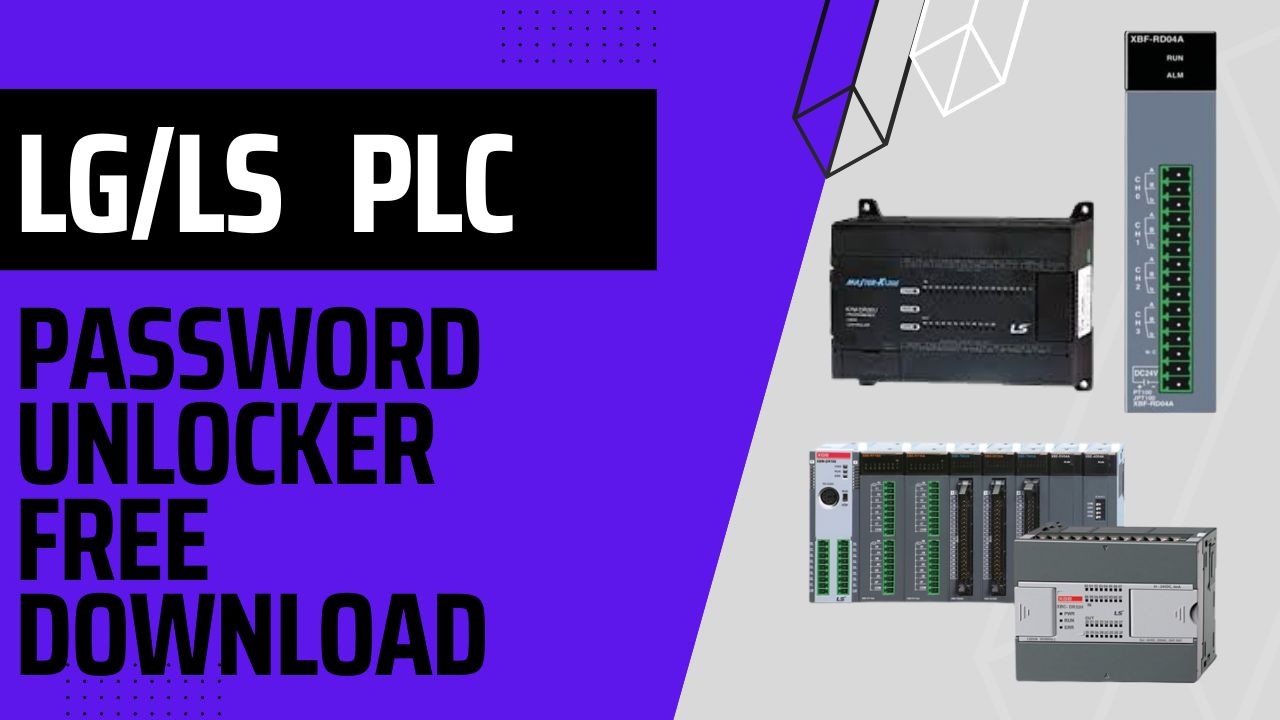
LS PLC password unlock Free Download and Setup Guide
LS Master-K PLC series of programmable logic controllers (PLCs) manufactured by LS Industrial Systems, a South Korean company that specializes in the production of automation and electrical products. The LS PLC Password Unlock series designed for a wide range of industrial applications, including manufacturing, building automation, and energy management systems.
The LS PLC Password Unlock series offers various models with different capacities and features, ranging from small-scale applications to large-scale automation systems. The series is available in compact and modular designs, making it easy to customize the system to meet specific application requirements. The Master-K PLCs programmed using the Ladder Logic programming language, which is a graphical programming language that is easy to learn and use.
One of the key features of the LS PLC Password Unlock series is its high-speed processing capabilities. The PLCs equipped with a fast CPU that provides quick and accurate control of the automation system. The series also offers various communication options, including Ethernet, RS-232C, RS-485, and Modbus, making it easy to connect the PLCs to other devices and systems.
Another notable feature of the LS PLC Password Unlock series is its reliability and durability. The PLCs designed to operate in harsh industrial environments, with a high degree of resistance to dust, moisture, and temperature extremes. Additionally, the series has various built-in protection features to ensure safe and secure operation.
Overall, LS PLC Password Unlock is a versatile and reliable solution for industrial automation and control. With its advanced features, robust design, and user-friendly programming interface, it is an ideal choice for businesses seeking an efficient and cost-effective automation solution.
How to Unlock LS PLC Password?
1) First, go to plcunlockbd.com and then download LS PLC Password Unlock Software (link in the description). After that, be sure to confirm that the download has completed successfully before moving on to the next step. Furthermore, verify the file to ensure it is ready for use.

2) When Your Download is complete you get this File, Open Unlock Software

3) Select Your PLC Model
Go to Select PLC Type > LG > K80S or K120S
Like the picture below

4) When you click LG/LS K80S , now you can see new window
Select your Right communication Port.
My COM Port COM2

5) Click DECRYPTION then you will see your password in the password Section.
In my case my password is (othman87)
LG/LS Master K120S Unlock Method same process

If you still have trouble understanding something, send me an sms on
WhatsApp (+8801758432841) and i will help you .
Thanks!
ALL PLC & HMI UNLOCK VIDEOS
https://drive.google.com/drive/folders/1ttiBOlf84f6Foqq9SOPu1-5B45TIHnlw?usp=drive_link
ALL PLC UNLOCK BD SOFTWARE V4.2
Contact With us to Unlock Your PLC and HMI FREE
Cell: +8801758432841
_____________________________________
Whatsapp: +8801758432841
Telegram: +8801758432841
Wechat: +8801758432841
_____________________________________
You can directly email us if you need any information
Email: plcunlockbd@gmail.com
Click on Download Button and contact us on WhatsApp. Our teem response your message as soon as possible