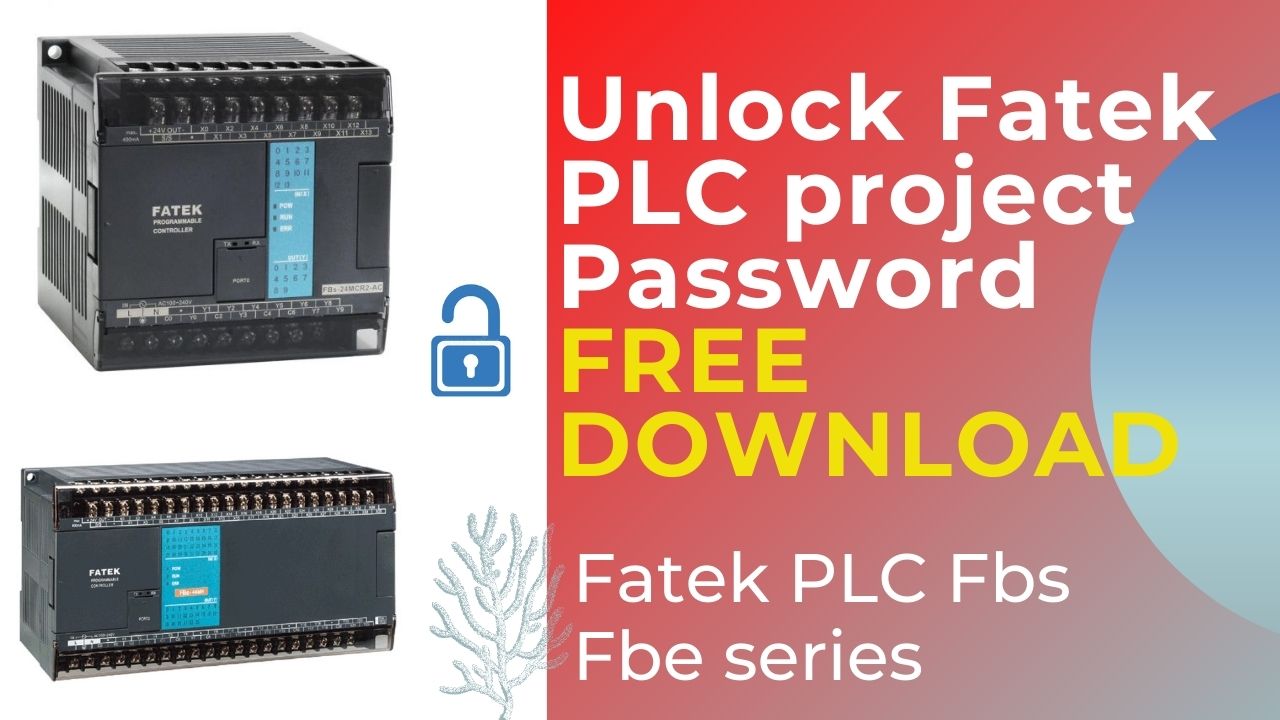
Fatek PLC Project Password Unlock: Free Download for Fatek PLC FBS/FBE Series
Welcome to our blog post on Fatek PLC project password unlock. Whether you're new to the concept of Fatek PLCs or already familiar with them, we've got you covered. In this post, we will delve into the world of Fatek PLCs, discuss the importance of password unlock, and provide insights on how to unlock project passwords for free. So let's dive right in!
Introduction - Fatek PLC Project Unlock Password
Undoubtedly, Fatek Programmable Logic Controllers (PLCs) are widely used in industrial automation due to their reliability and, moreover, their robust functionality. Consequently, these PLCs form the backbone of numerous automation systems, effectively controlling and, at the same time, monitoring processes across various industries. However, accessing and modifying the programs on these devices might require a password, which can sometimes be a challenge if the password is forgotten or lost.
In this blog post, we will focus on Fatek PLC Project Unlock, specifically the FBS and FBE series. We understand the frustration that can arise when you are unable to access your own project, so we have compiled a comprehensive guide to help you overcome this hurdle.
Understanding the Importance of Password Unlock
Importantly, project passwords are essential for ensuring the security and, at the same time, the integrity of programs developed for Fatek PLCs. In addition, they prevent unauthorized access, while also protecting against modification or tampering with critical processes. Consequently, this helps avoid potential disruptions or detrimental effects on overall operations.
However, it is not uncommon to forget or misplace project passwords, especially when multiple projects are being worked on simultaneously or when there are personnel changes within the organization. In such instances, having the ability to unlock project passwords becomes essential to ensure continuity and maintenance of the automation system.
Free Download: Fatek PLC Password Unlock for FBS/FBE Series
Unlocking project passwords for Fatek PLCs can be a daunting task, but fear not! Fortunately, we have identified a solution that helps authorized users regain access to project passwords for the FBS and FBE series in a legal and responsible manner. Moreover, this solution is designed to offer a quick and, at the same time, hassle‑free experience for users who genuinely need access for maintenance, recovery, or backup purposes. As a result, it ensures efficiency while also maintaining system integrity and security.
Steps to Unlock Project Passwords
Fatek PLC Project Unlock Password is a straightforward process. Follow the steps below to regain access to your project:
1. Download the Fatek PLC Password Unlock Tool
To get started, head to our website and locate the Fatek PLC Project Unlock Password Tool.
Click on the download link and save the tool to your computer.
2. Install and Launch the Unlock Tool
Once the tool has been downloaded, locate the installation file and run it.
Follow the on-screen instructions to complete the installation process.
Launch the Fatek PLC Password Unlock Tool once the installation is complete.
3. Connect PLC and Select Project
Connect your Fatek PLC to your computer using the appropriate communication cable.
Launch the programming software for your Fatek PLC series (e.g., FBS or FBE).
Open the project you wish to unlock.
4. Retrieve Password Hash
In the programming software, navigate to the "Tools" or "Utilities" section.
Locate the option to export the password hash for the project.
Export the password hash and save it to a convenient location on your computer.
5. Decrypt Password Hash
Return to the Fatek PLC Password Unlock Tool.
Select the option to decrypt the password hash.
Locate the exported password hash file and load it into the unlock tool.
Click on the "Unlock" button.
6. Retrieve Unlocked Password
The unlock tool will process the password hash and display the unlocked password on the screen.
Make note of the unlocked password for future reference.
7. Access Project with Unlocked Password
Return to the Fatek PLC programming software.
Enter the unlocked password into the password prompt.
You should now have access to your project without any restrictions.
Further Steps and Precautions
Now that you have successfully Fatek PLC Project Unlock Password, it's important to take further steps to ensure the security of your automation system. Here are some recommendations:
Change the Unlocked Password: After you regain access to your project, immediately change the password to a secure and, at the same time, unique one. In addition, this practice will prevent unauthorized individuals from easily gaining access later on, thereby protecting your project and maintaining system security.
Maintain Password Documentation: Always keep a record of your passwords in a secure location. For example, this can be in the form of a physical notebook or, alternatively, a password manager tool. Additionally, maintaining proper documentation helps ensure quick access while also reducing the risk of lost or forgotten passwords.It's crucial to have backup passwords, especially if multiple individuals within your organization require access.
Regularly Update Passwords: It is important to change passwords periodically in order to maintain the security of your projects. Furthermore, this practice helps mitigate the risk of unauthorized access and, consequently, ensures the integrity and overall reliability of your automation system.
Conclusion - Fatek PLC Project Unlock Password
Unlocking project passwords for Fatek PLCs is now easier than ever, thanks to the freely available Fatek PLC Password Unlock Tool. By following the simple steps outlined above, you can regain access to your projects without any hassle.
Remember, passwords are an essential aspect of ensuring the security and integrity of your automation system. However, it's important to keep them securely documented and updated regularly to maintain the highest level of protection.
Overall, we hope this blog post has provided useful and practical insights into the process of unlocking project passwords for Fatek PLCs. Moreover, we trust that the information shared will help engineers and technicians better understand, efficiently apply, and safely manage password recovery in their automation systems. If you found this content helpful, stay tuned for more informative blog posts on PLCs, automation, and industrial control systems. Unlock your Fatek PLC project passwords today and get back to optimizing your automation processes!
How to Unlock Fatek PLC project password fatek fbs fbe series
You Can Unlock in this Model:
FBs-10MAR FBs-10MAT/J FBs-14MAR FBs-14MAT/J FBs-20MAR FBs-20MAT/J FBs-24MAR FBs-24MAT/J
FBs-32MAR FBs-32MAT/J FBs-40MAR FBs-40MAT/J FBs-60MAR FBs-60MAT/J
FBs-32MBR FBs-32MBT/J FBs-40MBR FBs-40MBT/J FBs-60MBR FBs-60MBT/J
FBs-10MCR FBs-10MCT/J FBs-14MCR FBs-14MCT/J FBs-20MCR FBs-20MCT/J FBs-24MCR FBs-24MCT/J
FBs-32MCR FBs-32MCT/J FBs-40MCR FBs-40MCT/J FBs-60MCR FBs-60MCT/J
FBs-20MNR FBs-20MNT/J FBs-32MNR FBs-32MNT/J FBs-44MNR FBs-44MNT/J
FBe-20MA FBe-28MA FBe-40MA FBe-20MC FBe-28MC FBe-40MC
Fatek plc project password unlock free download fatek plc fbs fbe series
See this video How to Unlock Fatek PLC Project Password:
ALL PLC & HMI UNLOCK VIDEOS
https://drive.google.com/drive/folders/1ttiBOlf84f6Foqq9SOPu1-5B45TIHnlw?usp=drive_link
ALL PLC UNLOCK BD SOFTWARE V4.2
Contact With us to Unlock Your PLC and HMI FREE
Cell: +8801758432841
Whatsapp: +8801758432841
Telegram: +8801758432841
Wechat: +8801758432841
You can directly email us if you need any information
Email: plcunlockbd@gmail.com
Click on Download Button and contact us on what'sapp. Our teem response your message as soon as possible