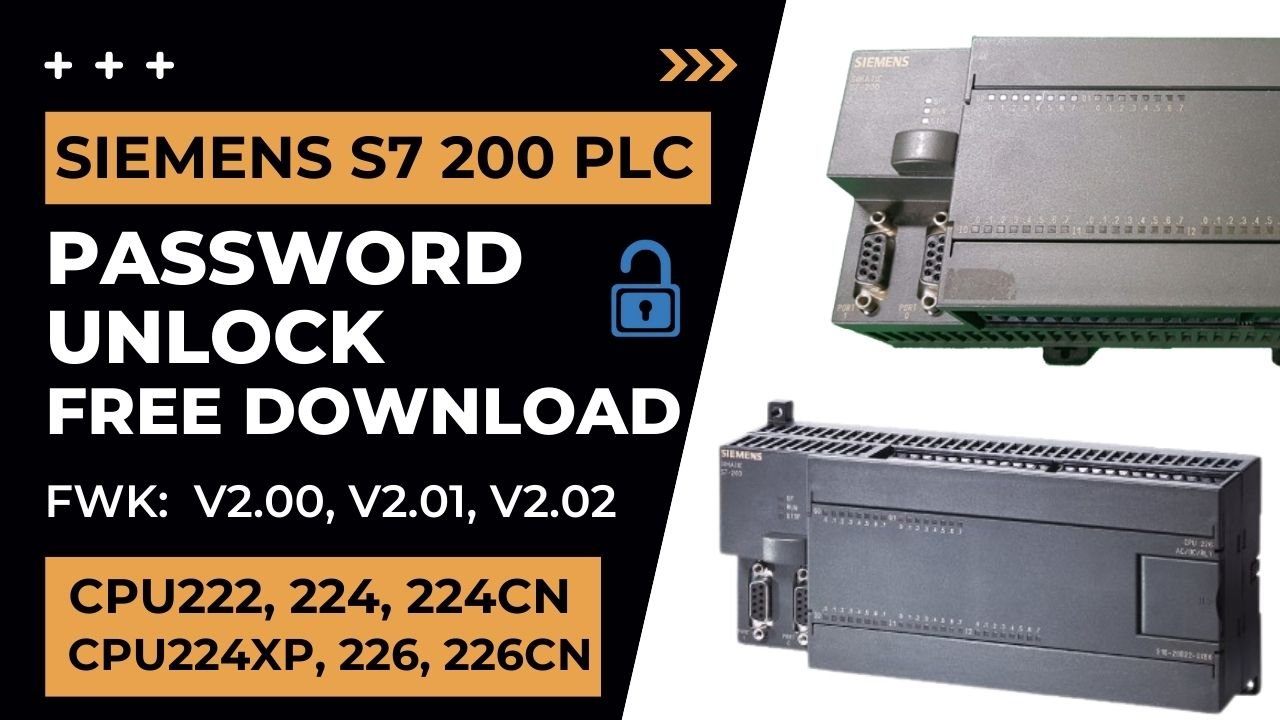
Siemens s7 200 PLC Password Unlock Free Download CPU v2.01 CPU226 CPU224CN CPU224XP
Have you ever been in a situation where, for instance, you've lost or, alternatively, forgotten your Siemens S7-200 Programmable Logic Controller (PLC) password? Fortunately, fear not, because under these circumstances, there is a free solution available for you.
Specifically, welcome to your comprehensive guide that will show you step by step how to reset your Siemens s7 200 PLC Unlock without the need for pesky downloads or, at the same time, external software applications. Moreover, this method ensures a safe, quick, and, at the same time, efficient way to regain access to your PLC.
All of us, at one time or another, have had to face the inconvenience of forgetting a password. It's a nightmare we all dread, and it's even worse when it concerns critical tasks in our workspace, such as dealing with a Siemens s7 200 PLC Unlock. Hence, restoring access becomes paramount. This informative article guides you through the steps you need to recover the PLC password, and it's all free. Let's get started.
PLC's Role in Industrial Automation
Before we delve into the specifics of Siemens S7-200 PLC password reset, it's crucial we understand the role PLCs play in industrial automation and control systems.
How to Free Download Siemens s7 200 PLC Unlock Password?
For CPU Version Below v2.01
1) First go to plcunlockbd.com and Siemens s7 200 PLC Unlock Password Free Download (Link in the Description)

2) When Your Download is complete you get this File, Open Unlock Software

3) Select Your PLC Model
Go to Select PLC Type > Siemens > S7-200 REL 02.01
Like the picture below

4) Use the PPI cable to break the password
Select the correct Communication Port > Now click on the DECRYPTION
Now you will see your Password in the Password Field
Thanks !

For CPU Version v2.01 and v2.02
1) First open the top cover of the PLC
Pick up the IC number from the PLC board according to your PLC model
My PLC 226CN thats why i am copying (24512WP) IC

2) Copy IC with the following programmer Kit , when you copy IC you will get a Bin file

3) When you get Bin file then you go to plcunlockbd.com and Free Download (Link in the Description)
4) When Your Download is complete you get this File, Open Unlock Software
5) Select Your PLC Model
Go to Select PLC Type > Siemens > S7-200 REL 02.01
Like the picture below

6) Select Your PLC model in my case its CPU226CN

7) Click Open Project and Select your Bin file
then click Get Password then you will See your password in the Password field
Note: If you have a level 4 password, you must first convert it from level 4 to level 3

If you still have trouble understanding something, send me an sms on
WhatsApp (+8801758432841) and i will help you
Thanks!
You can unlock in this model:
The Siemens S7-200 series includes a wide range of CPU models, including but not limited to:
6ES7 211-0AA23-0XB0 Siemens S7-200, CPU 221
6ES7 211-0BA23-0XB0 Siemens S7-200, CPU 221
6ES7 212-1AB23-0XB0 Siemens S7-200, CPU 222
6ES7 212-1BB23-0XB0 Siemens S7-200, CPU 222
6ES7 214-1AD23-0XB0 Siemens S7-200, CPU 224
6ES7 214-1BD23-0XB0 Siemens S7-200, CPU 224 as well as
6ES7 214-1BD23-0XB0 Siemens S7-200, CPU 224CN
Furthermore, the series also features:
6ES7 214-2AD23-0XB0 Siemens S7-200, CPU 224XP
6ES7 214-2AS23-0XB0 Siemens S7-200, CPU 224XP CN
6ES7 214-2BD23-0XB0 Siemens S7-200, CPU 224XP
In addition, it includes:
6ES7 216-2AD00-0XB0 Siemens S7-200, CPU 216
6ES7 216-2AD23-0XB0 Siemens S7-200, CPU 226
6ES7 216-2BD23-0XB0 Siemens S7-200, CPU 226CN and
6ES7 216-2BD23-0XB0 Siemens S7-200, CPU 226
Overall, this extensive selection ensures compatibility with a variety of industrial automation applications, thereby providing flexible and reliable solutions for users.
Framework version
v2.00
v2.01
v2.02
See this video How to Siemens s7 200 PLC Unlock Password:
ALL PLC & HMI UNLOCK VIDEOS
https://drive.google.com/drive/folders/1ttiBOlf84f6Foqq9SOPu1-5B45TIHnlw?usp=drive_link
Siemens s7 200 PLC Unlock Password
Contact With us to Unlock Your PLC and HMI FREE
Cell: +8801758432841
______________________________________
Whatsapp: +8801758432841
Telegram: +8801758432841
Wechat: +8801758432841
______________________________________
You can directly email us if you need any information
Email: plcunlockbd@gmail.com
First, click on the Download button and, afterwards, contact us on WhatsApp. Once you send your message, our team will respond as quickly as possible. Furthermore, we are always ready to assist you, thereby ensuring prompt support while also addressing your queries efficiently and effectively.